
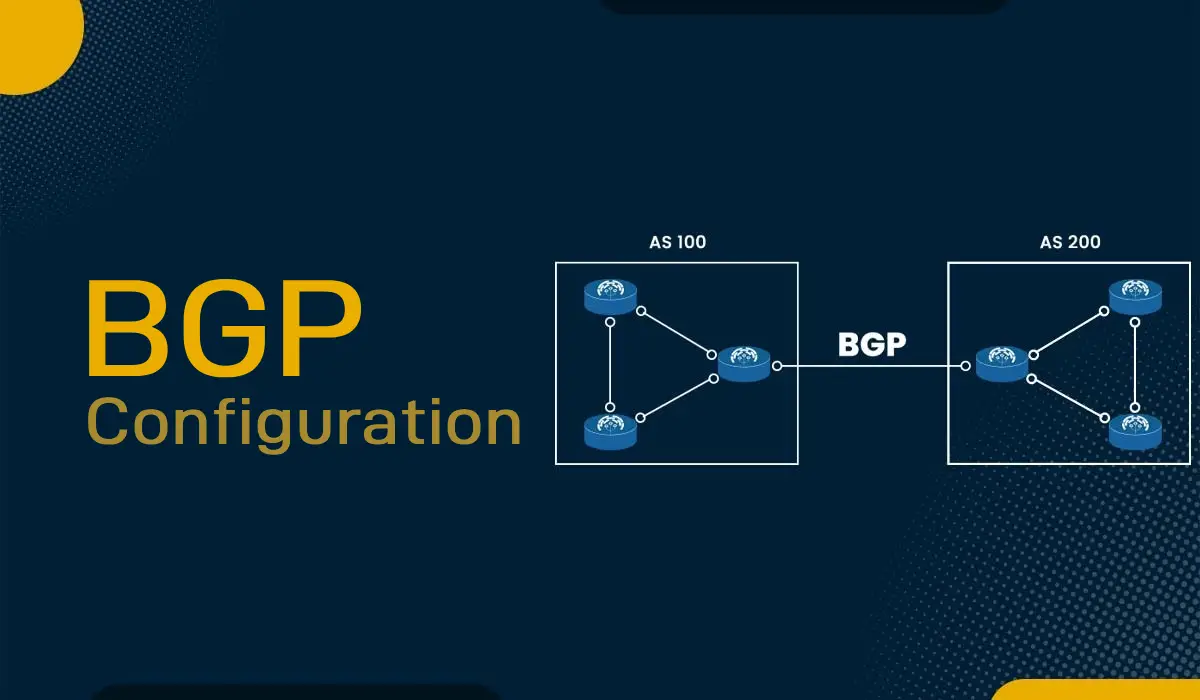
How to Configure a BGP Session on a Dedicated Server (EPY Host)
This comprehensive guide will walk you through the process of establishing a BGP (Border Gateway Protocol) session with EPY Host. This allows you to announce your own IP prefixes (IPv4/IPv6) through EPY Host's global infrastructure using your own Autonomous System Number (ASN), giving you full control over routing, multihoming, and traffic engineering.
What You'll Learn
Prerequisites: What You Need Before Starting
Install BGP Software on Your Linux Server
Basic BGP Configuration
Verify Your BGP Session
Filtering, Security, and Best Practices
EPY Host Service Costs
The Process of Going Live with EPY Host
Conclusion
Prerequisites: What You Need Before Starting
Before you can begin the configuration, you must have the following in place. EPY Host will verify these items before enabling the BGP session on their end.
-
A Valid Autonomous System Number (ASN): Officially registered to your organization via a Regional Internet Registry (RIR) like ARIN, RIPE, APNIC, etc.
-
Registered IP Subnets: You must own the IPv4 and/or IPv6 prefixes you wish to announce, and they must be associated with your ASN in the RIR's database.
-
Letter of Authorization (LOA): A critical, legally binding document that authorizes EPY Host to announce your specific IP prefixes on their network. This is a standard industry practice to prevent route hijacking.
-
Note: EPY Host will provide a template for this after you contact sales.
-
-
A Dedicated Server or Router: Your server must be capable of running a BGP daemon.
-
Linux Server: A dedicated server from EPY Host running Debian, Ubuntu, or CentOS/RHEL.
-
Software: BGP routing software like FRRouting (FRR) or BIRD.
-
Hardware Router/Firewall: If you are using your own hardware, it must support BGP (e.g., Cisco, Juniper, pfSense, etc.).
-
-
EPY Host BGP Session Details (Provided after LOA approval):
-
EPY Host's BGP Router IP (Neighbor Address): The IP address you will peer with.
-
Your Assigned Peering IP: An IP from a shared link network, or your server's main IP, used for the BGP session.
-
EPY Host's ASN: Their Autonomous System Number.
-
Install BGP Software on Your Linux Server
This example uses FRRouting (FRR), a popular, feature-rich routing suite.
On Debian/Ubuntu:
sudo apt update
sudo apt install frr frr-pythontools -y
On CentOS/RHEL/Rocky Linux:
sudo dnf install frr -y # For newer versions using dnf
# or
sudo yum install frr -y # For older versions using yum
Enable and Start the FRR Service:
sudo systemctl enable frr
sudo systemctl start frr
Basic BGP Configuration (FRRouting Example)
The main configuration file for FRR is /etc/frr/frr.conf. You will edit this file to define your BGP session.
-
Open the configuration file in a text editor:
bashsudo nano /etc/frr/frr.conf -
Add your BGP configuration. Replace the placeholders in
< >with the information provided by EPY Host and your own details.bash# Enable the BGP daemon bgpd=yes # Configure your BGP process router bgp <YOUR_ASN> # Set a unique BGP Router-ID, typically your server's main IP bgp router-id <YOUR_SERVER_MAIN_IP> # Configure the neighbor (EPY Host's router) neighbor <EPY_BGP_ROUTER_IP> remote-as <EPY_ASN> neighbor <EPY_BGP_ROUTER_IP> description EPY_Host_Uplink # IPv4 Unicast Configuration ! address-family ipv4 unicast # The network command announces your IP prefix to the world network <YOUR_IPv4_PREFIX> # e.g., 192.0.2.0/24 neighbor <EPY_BGP_ROUTER_IP> activate exit-address-family # IPv6 Unicast Configuration (if applicable) ! address-family ipv6 unicast network <YOUR_IPv6_PREFIX> # e.g., 2001:db8::/32 neighbor <EPY_BGP_ROUTER_IP> activate exit-address-familyExplanation of Key Commands:
-
router bgp <YOUR_ASN>: Starts the BGP process with your Autonomous System Number. -
bgp router-id: A unique identifier for your BGP speaker, usually an IPv4 address. -
neighbor ... remote-as: Defines EPY Host's router as a BGP neighbor and specifies their ASN. -
address-family ...: Sections for configuring IPv4 and IPv6 separately. -
network ...: This command tells BGP which prefixes you want to advertise to the network. Only announce prefixes listed in your LOA.
-
-
Save the file and exit the editor. Then, restart the FRR service to apply the changes:
bashsudo systemctl restart frr
Verify Your BGP Session
After restarting FRR, it's crucial to verify that the BGP session is established correctly.
-
Access the FRR VTY shell to interact with the routing daemon:
bashVtysh -
Inside the
vtyshprompt, check the status of your BGP sessions:textshow ip bgp summaryFor IPv6, use
show bgp ipv6 unicast summary -
Interpret the Output: Look for the state of the neighbor under the
State/PfxRcdcolumn.-
Establishedis the state you want to see. This means the session is up and running. -
Active,Idle,Connectindicate a problem (e.g., IP reachability, ASN mismatch, firewall blocking).
-
-
Example of a Healthy Output:
textIPv4 Unicast Summary: Neighbor V AS MsgRcvd MsgSent TblVer InQ OutQ Up/Down State/PfxRcd 192.0.2.1 4 65001 155 152 0 0 0 00:02:30 1Here,
State/PfxRcdshows1, which means we have received one route (prefix) from EPY Host. -
Check if your routes are being advertised:
textshow ip route bgp
Filtering, Security, and Best Practices
-
Prefix Filtering (Outbound): As a good internet citizen, you should only announce the prefixes authorized in your LOA. You can implement outbound prefix filters on your side using FRR's prefix-lists or route-maps to prevent accidental leaks.
-
Inbound Filtering by EPY Host: As stated in their technical details, EPY Host applies strict inbound and outbound filtering based on your LOA and RPKI/IRR data. This protects both you and the broader internet from route hijacking and misconfiguration.
-
Multihoming: If you are connected to multiple providers for redundancy, you will configure additional neighbor statements in your frr.conf. You can then use BGP attributes like local-preference and AS-PATH to manage traffic flow.
EPY Host Service Costs
-
One-Time Setup Fee: $100
-
Covers the initial BGP session configuration, validation of your ASN and prefixes, and testing by their network engineers.
-
-
Recurring Monthly Fee: $85
-
Covers the ongoing cost of maintaining the BGP peering session, continuous monitoring, and administrative overhead.
-
The Process of Going Live with EPY Host
Follow these steps from start to finish to get your BGP session active:
-
Contact Sales: Reach out to the EPY Host sales team with your ASN and the IP subnets you wish to announce.
-
Submit LOA: EPY Host will send you an LOA template. Complete, sign, and return it.
-
Invoice and Payment: Once the LOA is approved, EPY Host will invoice you for the one-time setup fee.
-
Receive Technical Details: After payment, you will receive the necessary details: EPY Host's BGP Router IP, their ASN, and your peering IP.
-
Configuration: Configure BGP on your server (as outlined in this tutorial). Simultaneously, EPY Host's network engineers will configure their side.
-
Testing & Go-Live: EPY Host will work with you to bring up the session. Once testing is complete and the session is Established, your prefixes will be announced across EPY Host's global network!
Conclusion
Configuring a BGP session with EPY Host empowers you with:
-
Ultimate Control: Full authority over your network routing and traffic engineering policies.
-
IP Portability: Retain your IP address space and ASN even if you change hosting providers.
-
Global Reach: Leverage EPY Host's infrastructure for low-latency access worldwide.
-
Redundancy & Resilience: Achieve multihoming by connecting to multiple upstream providers.
By following this guide, you can successfully establish a BGP session, ensuring your services are reliably connected to the global internet. If you encounter issues, the most common culprits are firewall rules blocking TCP port 179 or typos in the neighbor IP/ASN configuration.