
Unleash Bare-Metal Power with VMware ESXi

VMware ESXi Solutions: Powering Your Virtualization on Dedicated Servers
In today's digital landscape, maximizing hardware efficiency is paramount. When you choose one of our dedicated servers for virtualization, you're not just buying hardware; you're investing in a platform for performance, unparalleled control, and future-proof scalability. The core of this platform is the VMware vSphere suite, powered by the industry-standard ESXi hypervisor.
This guide explores the complete VMware vSphere solution, from the foundational ESXi hypervisor to advanced management with vCenter Server, and demonstrates why our dedicated servers are the ultimate foundation for your virtual infrastructure.
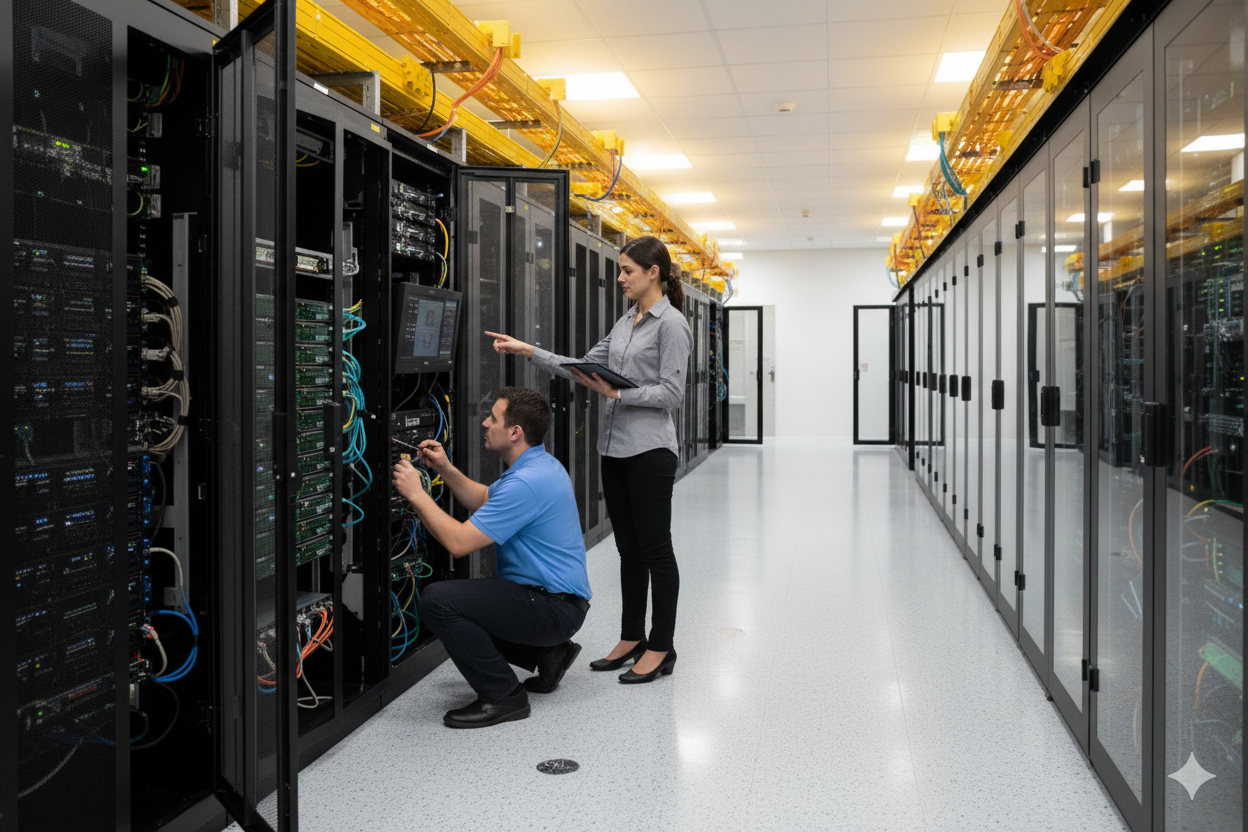
What are ESXi and vSphere? The Bedrock of Your Virtual Data Center
Understanding the two core components: ESXi and vSphere.
VMware ESXi: The Hypervisor
VMware ESXi is a Type-1, or bare-metal, hypervisor. Think of it as the ultra-efficient foundation of a skyscraper. Instead of installing a general-purpose operating system like Windows Server or Linux and then running virtualization software on top, ESXi installs directly onto the server hardware. This direct access is the key to its world-class performance and stability.
Key Advantages of ESXi on a Dedicated Server:
VMware vSphere: The Platform
While ESXi is the core hypervisor installed on a single server, VMware vSphere is the entire virtualization platform suite. vSphere includes ESXi and, most importantly, VMware vCenter Server, the tool for centralized management.
Here's a simple analogy:
You install ESXi on each server, and then you use the vSphere platform (with vCenter) to manage them all together as a unified pool of resources.
Who is this Solution For?
Pairing VMware vSphere with a dedicated server is a powerful strategy for a wide range of professionals and businesses.
Small and Medium-Sized Businesses (SMBs)
Consolidate multiple aging physical servers onto a single, powerful dedicated server to reduce hardware costs, energy consumption, and administrative overhead.
DevOps and Development Teams
Quickly spin up isolated, sandboxed environments for developing, testing, and deploying applications without impacting production systems.
Managed Service Providers (MSPs)
Build a stable, multi-tenant hosting environment to offer reliable Virtual Private Server (VPS) solutions to your clients on hardware that you control completely.
Enterprises with Demanding Workloads
Deploy resource-intensive applications, virtual desktop infrastructure (VDI), or private clouds that require the guaranteed performance and security that only dedicated hardware can provide.
Installing ESXi on Your Dedicated Server: A High-Level Guide
Getting the foundation of your vSphere environment running on our hardware is a straightforward process.

Managing Your vSphere Environment: Host Client vs. vCenter
Once ESXi is installed, you have two ways to manage your environment.
Comparison: When to Use Host Client vs. vCenter Server
For a single server, the Host Client is sufficient. The moment you need high availability, zero-downtime maintenance, or plan to use more than one server, vCenter Server and a vSphere license become essential.
The Perfect Match: Why Our Dedicated Servers are Ideal for vSphere
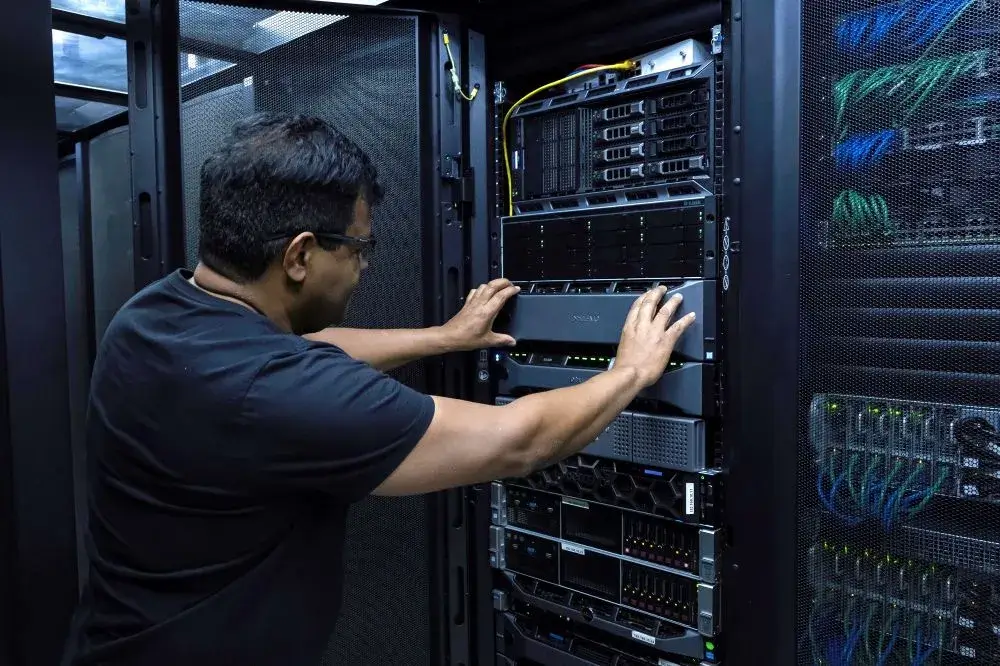
Frequently Asked Questions (FAQ)
Is VMware ESXi free? What's the difference between the free and paid versions?
Yes, VMware offers a free ESXi Hypervisor license. This version is a great starting point for labs, testing, or running non-critical applications on a single server. It allows you to create and run virtual machines indefinitely without cost.
However, for any business-critical environment, understanding the limitations of the free license is crucial. The true power of VMware is unlocked with paid vSphere licenses, which enable centralized management and advanced features.
The free ESXi license is a powerful tool, but it's best suited for standalone, non-essential tasks. For any business that relies on uptime and simplified management, a paid vSphere license is a necessary investment.
Can you install ESXi for me?
Absolutely. We can provision your new dedicated server with your desired version of VMware ESXi pre-installed and configured. This saves you time and ensures a validated, stable setup from the very beginning. To get started, simply open a ticket and tell us which ESXi version you'd like us to install.
How many VMs can I run on one dedicated server?
This depends entirely on the server's resources (CPU cores, amount of RAM, storage speed) and the demands of your virtual machines. Our solution experts can help you analyze your workload and provision a server that is perfectly sized for your needs.
Is ESXi better than Proxmox or Hyper-V?
While Proxmox and Hyper-V are capable hypervisors, ESXi is the long-standing industry standard for enterprise reliability, the broadest third-party ecosystem support, and the most robust high-availability features. For mission-critical workloads where stability is paramount, ESXi is the preferred choice for most enterprises.
Let's Build Your Virtual Powerhouse
Ready to leverage the industry's leading virtualization platform on best-in-class dedicated hardware?
Contact Our Solutions Experts Today for a free consultation to design the perfect, high-performance vSphere infrastructure for your business.